Slide decks
Five presentations of Terrain Viewer, live with a presenter view, and as PDFs, built from the open-slide decks in the repository
Five decks, written as React pages with open-slide in the repository's slides/ workspace. The docs deploy publishes them live, with their transitions, speaker notes and presenter view (all decks), and as PDFs, below and on the slide decks release. Light docs: ideas, bullets, screenshots, the numbers.
| Deck | What it covers | Live | ||
|---|---|---|---|---|
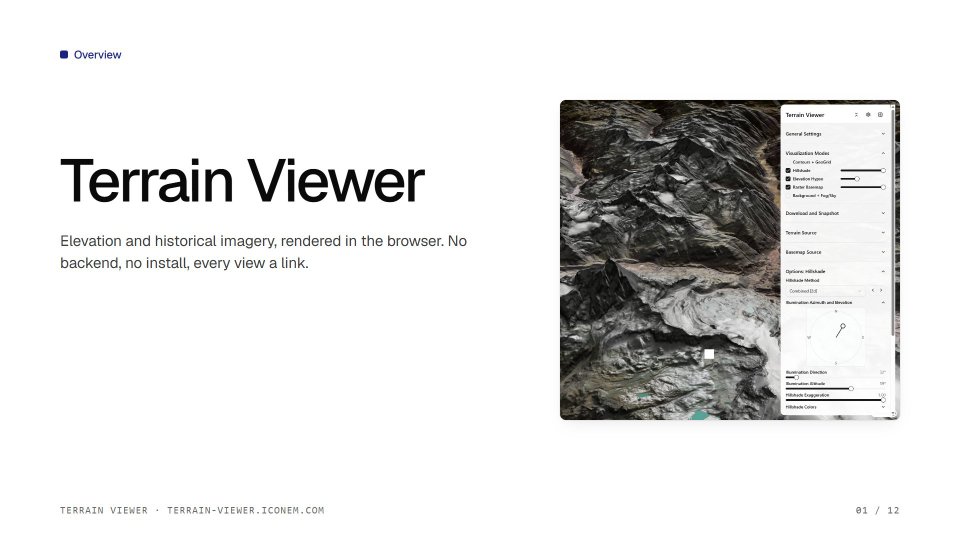 | Terrain Viewer | What it is, the sources, the visualization modes, split and compare, export | present | terrain-viewer.pdf |
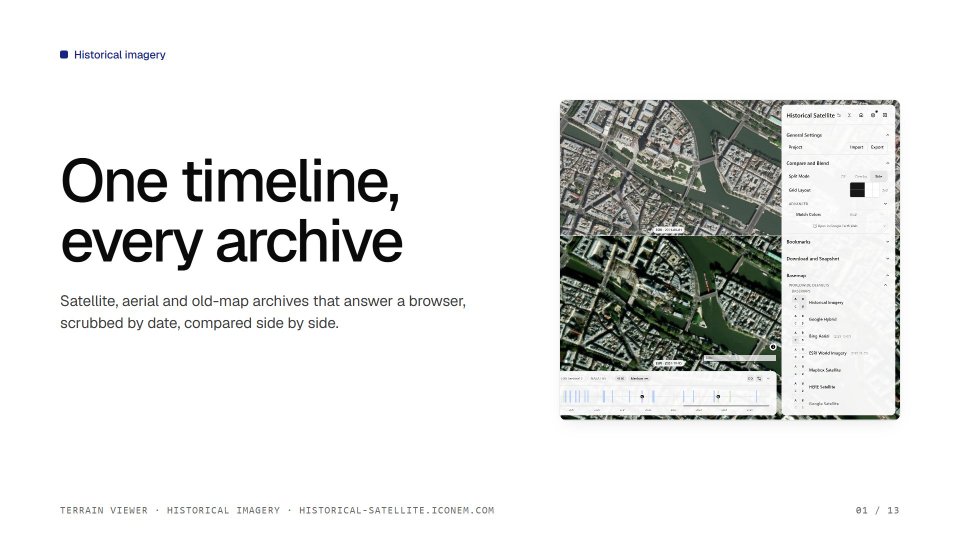 | Historical imagery | The timeline, the providers, the catalogs (open data after a disaster, national archives, old maps), coverage | present | historical.pdf |
 | Tools | Elevation picker and profiles, plane slicer, drawing, georeferencer, sun shadows, iso-lines, bookmarks | present | tools.pdf |
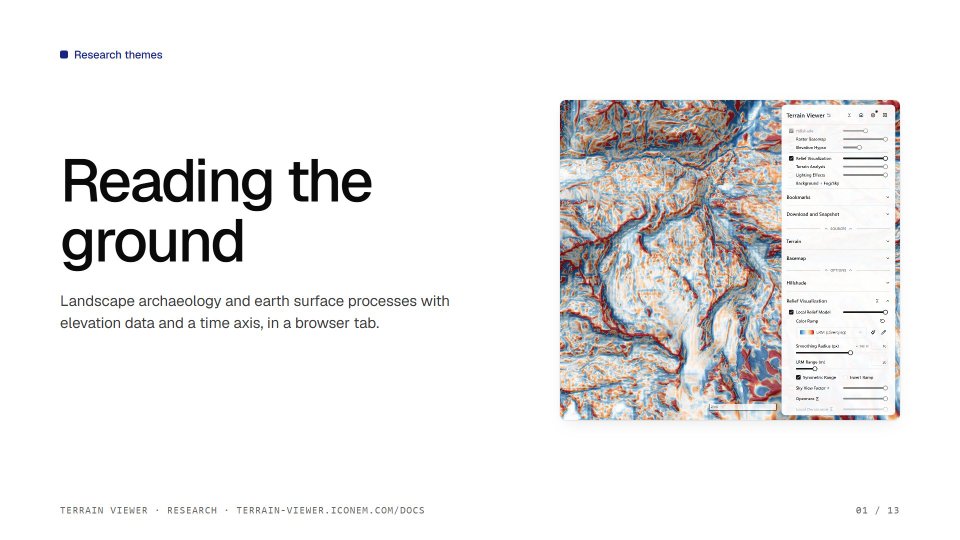 | Research themes | Landscape archaeology and earth processes: what the modes show and the papers behind them, cited on each slide with a references page | present | research.pdf |
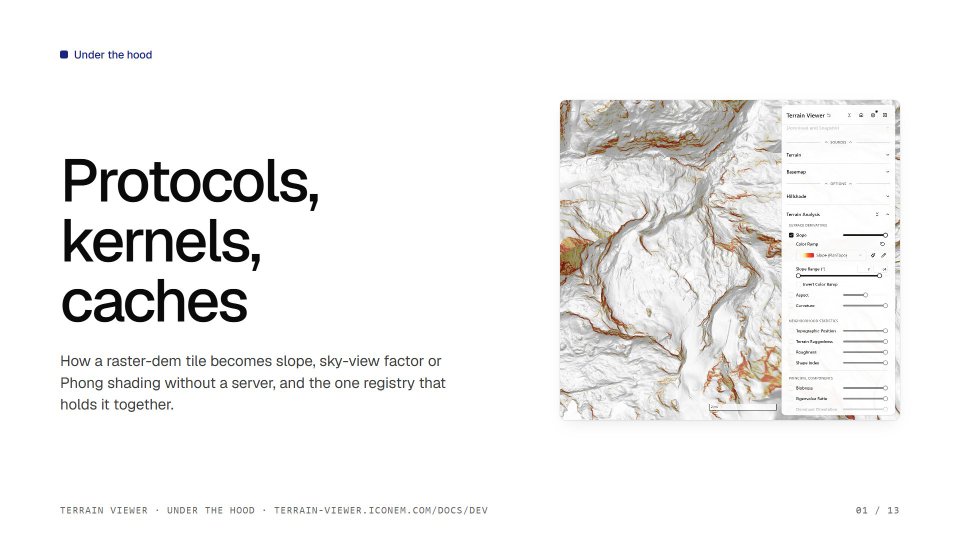 | Under the hood | The equations, the client-side tile protocols, the registry, what runs where | present | under-the-hood.pdf |
Presenting
Open a deck, then F for full screen and P for the presenter window: the current slide, the next one, the speaker notes, a timer and a page jump, kept in step with the audience window (both in the same browser). Arrows, Space or Page Down move on; O shows every page, B and W blank the screen, L is a laser pointer, ? lists the keys. The PDF, PowerPoint and HTML exports are in the deck's toolbar too.
The online decks are read-only: the inspector, its comments and the inline text edits write back to the slide sources, so they only run with pnpm slides on a checkout.
All the PDFs
Each opens in place; a deck is 12 to 23 MB.
Terrain Viewer (12 pages) · open the PDF
Historical imagery (13 pages) · open the PDF
Tools (14 pages) · open the PDF
Research themes (13 pages) · open the PDF
Under the hood (13 pages) · open the PDF
Working on them
From the repository root:
pnpm slides:install   # once: the workspace has its own install
pnpm slides           # dev server with the inspector, http://localhost:3200
pnpm slides:static    # the static site as it will be online, http://localhost:4180/docs/slides/
pnpm slides:pdf       # the static site and the five PDFs, in .cache/slides-site/
pnpm slides:shots     # the title slide of every deck as a JPEG for this page and the changelog (the static site must be up)
pnpm dev:all          # app, docs and slides together
The decks' screenshots are the docs site's own (docs/public/screenshots), copied in before a build, so the repository holds each picture once; the built site and the PDFs are never committed.
Research References Table (tablecn)
Terrain Viewer's research references as one tablecn data table in client mode, the same data as the Research References Table, for a side-by-side comparison of the two table implementations
River-REM
Iconem's companion app for river-relative elevation models, and how this app hands off to it